
SEO
WiFi vs Bluetooth Mesh: Choosing Smart Light Bulbs for Commercial Projects
A protocol-level comparison of WiFi and Bluetooth Mesh smart lighting for importers, distributors and project buyers — covering hub requirements, app and voice control, how each network scales, a side-by-side table, and a practical selection checklist that ties the decision back to real product lines such as GU10, A60, candle, downlight and ceiling formats.
Protocol comparison for trade buyers
The radio protocol you choose decides what your customers can do with a smart light bulb after it leaves the box: whether they need a gateway, how far a single phone can reach, and how many bulbs a network can hold. For an importer or project buyer, that choice locks in your app story, your return rate and your technical support load long before the first container ships. This article compares WiFi and Bluetooth Mesh at protocol level and gives a selection framework you can apply to a specific project brief.
Key takeaways
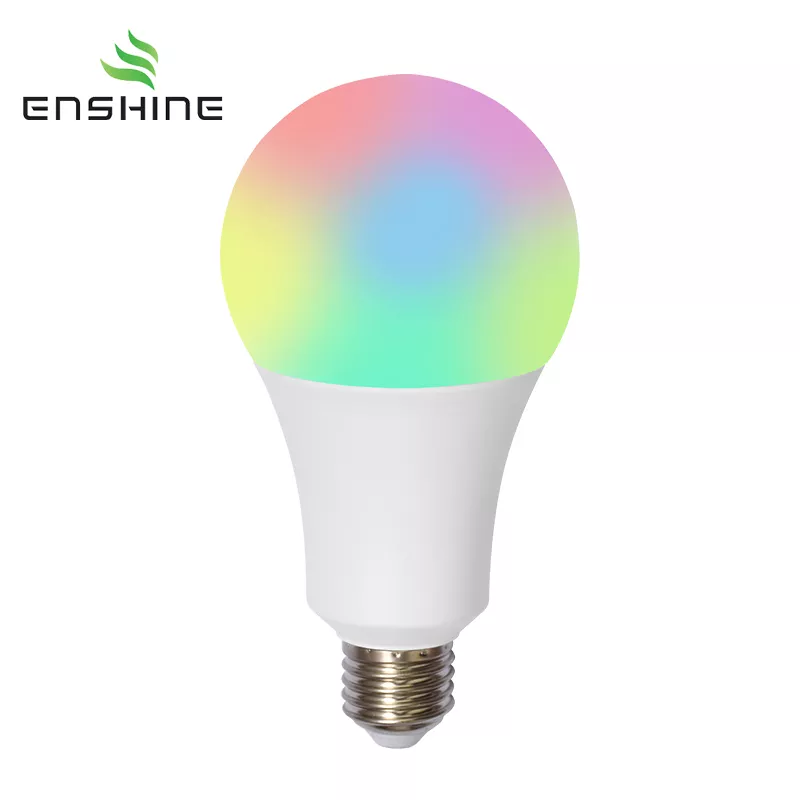
- WiFi smart bulbs join the building's existing router network — no hub — and work with Tuya/Smart Life over 2.4GHz WiFi plus Alexa and Google voice control.
- Bluetooth Mesh bulbs are controlled directly from a phone, with each bulb able to relay commands to nearby bulbs, extending practical control across a larger installation than a single point-to-point Bluetooth link.
- Both protocols run through many of the same hardware formats — our GU10 smart bulb, for example, is offered in WiFi, Zigbee and Bluetooth Mesh lamp-type variants — so the decision is about ecosystem and scale, not about which shapes you can source.
- For retrofit retail and app-led consumer ranges, WiFi usually wins on simplicity. For dense installations under one on-site controller, Bluetooth Mesh removes router dependence.
Why the protocol decision lands on the buyer, not the end user
A distributor reselling a smart light bulb range is effectively selling a small ecosystem. If the bulbs require a hub the buyer did not stock, the customer hits a wall during installation and calls the distributor, not the chipset vendor. If the app cannot find the bulbs on a busy 2.4GHz network in a hotel corridor, the project contractor files a complaint against your brand. Protocol choice is, in practice, a decision about who absorbs the troubleshooting.
The good news is that the underlying formats are largely shared. The same GU10 lamp body can be built as a WiFi, Zigbee or Bluetooth Mesh smart bulb, which means you can plan a product line by application rather than by re-tooling. The rest of this article explains what each protocol actually does, then how to match it to the project.
How WiFi smart lighting works
A WiFi smart bulb connects directly to the local 2.4GHz wireless router. There is no separate gateway between the bulb and the network. The user installs the app, pairs the bulb to the WiFi credentials, and from then on controls it over the same network — or over the internet when away from the site, since the bulb is reachable through the cloud service the app is tied to.
On our own WiFi products, this means Tuya/Smart Life app control, with Alexa and Google voice control on the WiFi versions. A representative example is the Smart RGBCW A60 bulb: it covers 7–18W in four power steps at 85lm/W, RGB plus tunable CCT from 2700K to 6500K, a 210° beam, and a 25,000-hour rating — all over 2.4GHz WiFi with no hub. The B22/B15 candle version follows the same pattern at 5–7W; note that it is WiFi only, is not compatible with ordinary dimmers, and supports Siri shortcuts but not HomeKit.
The trade-off is well known in the trade. Every WiFi bulb is a client on the router, and a commercial site with dozens of fixtures competes with laptops, access points and POS terminals for the same 2.4GHz airtime. Pairing on enterprise-grade networks with band steering or captive portals can also be awkward, which is why WiFi ranges are typically paired with a clear installation note about using a 2.4GHz SSID.
How Bluetooth Mesh works
Bluetooth Mesh takes the opposite approach. Bulbs do not join the router; they form their own network, and the phone acts as the controller that commissions and commands them. Each bulb can relay messages onward to other bulbs in the mesh, so a command from the phone can travel through the installation rather than needing a direct link to every fixture. That relaying is what separates mesh from plain point-to-point Bluetooth, where the phone must stay within range of each individual bulb.
In practice, this makes Bluetooth Mesh well suited to rooms and floors where one phone or tablet is the control point and the lights do not need cloud access. It also keeps the bulbs off the building's IT network, which many facilities teams prefer. The limits are equally practical: remote control and scheduling depend on a device with the app being present, and the control experience is tied to that app rather than to a voice assistant ecosystem in the same way WiFi ranges are.
Side-by-side comparison
| Dimension | WiFi | Bluetooth Mesh |
|---|---|---|
| Ecosystem | Router-based; Tuya/Smart Life app; Alexa and Google voice control on our WiFi versions | Phone-centric mesh; control through the mesh app |
| Hub required | No | No — the phone acts as controller |
| Control reach | Anywhere the local network or cloud service reaches | Extended across the installation by bulb-to-bulb relaying; still centred on the controlling phone |
| Scaling | Each bulb is a separate network client; planning becomes a network-design question | Bulbs relay to each other, which helps in dense layouts under one controller |
| Typical use cases | Retail smart bulb ranges, hospitality guest rooms, small commercial retrofits, app-and-voice-driven homes | Single-site installations controlled on location, room and floor layouts, projects where bulbs should stay off the IT network |
| Main buyer risk | 2.4GHz congestion and pairing friction on managed networks | Remote control and automation depend on an app-equipped device being present |
B2B selection checklist
Work through these in order; the first answer usually narrows the second.
- Retrofit or new project? A retail or replacement-bulb programme is judged on unboxing simplicity — no hub to upsell, familiar app, voice control. A new-build or single-owner installation where lights should remain independent of the building network leans the other way.
- Which app ecosystem does the buyer already live in? If the end customer expects Alexa or Google routines, a WiFi product is the shorter conversation. If the contractor wants an on-site commissioning tool and no cloud dependency, Bluetooth Mesh is easier to hand over.
- How dense and how distributed is the installation? Many fixtures in one building push you to think about network load with WiFi; widely separated fixtures push you to think about reach with any short-range protocol.
- Does the format already exist in your range? Check which lamp types you can source in which protocol — GU10, A60, candle, downlight, ceiling — so you are not forced into a second supplier for one SKU.
- Confirm certifications and app documentation with the supplier before committing. Ask which market certifications the specific model carries, whether the app account and cloud service are supplier-supported, and what firmware update path exists. These are the questions a project buyer cannot answer from a spec sheet alone.
Building a product line around both protocols
Most importers do not need to pick one protocol for the whole catalogue. A workable structure is a lead WiFi range for retail and hospitality, plus a Bluetooth Mesh variant of the same form factors for project quotations. The GU10 smart bulb YX-SPS-S shows how this works in practice: 5–7W, 85lm/W, RGB+CCT, CRI>80, 120° beam, 50×58mm, 25,000-hour lifespan and a 2-year warranty, offered in WiFi, Zigbee and Bluetooth Mesh lamp-type variants. The WiFi version needs no hub. The GU10 smart bulb page lists the current variant options if you want to check availability against a project brief.
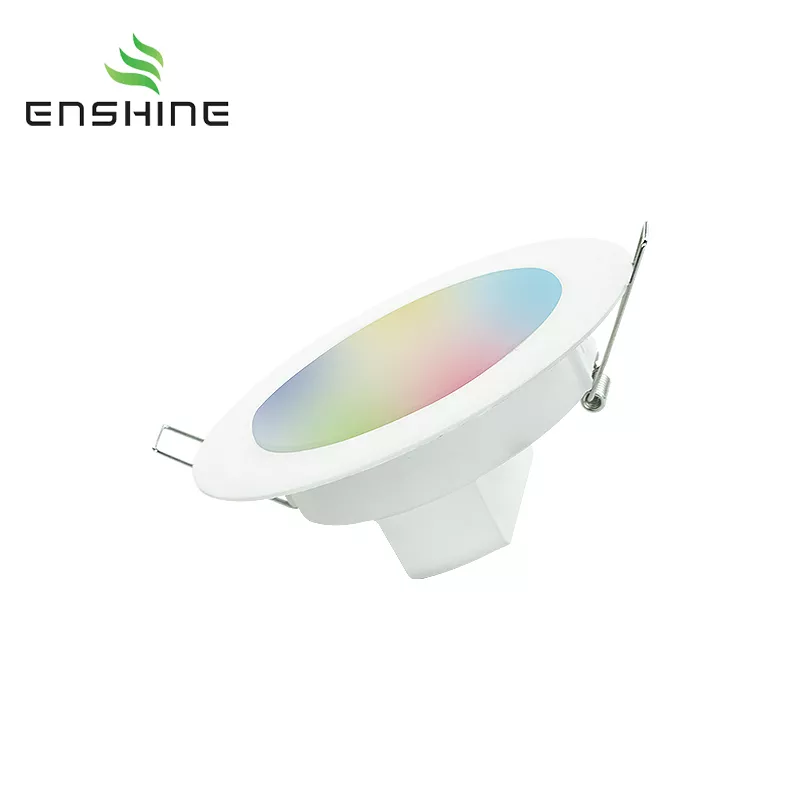
The same logic applies across larger formats. The smart LED downlight and the 15W/24W Smart WiFi RGB Ceiling Lamp cover the fixtures where a project specification, not a retail shelf, usually sets the decision. Where a decorative filament look is required, the ST64 B22 smart filament bulb offers 5W, 300lm, RGB plus 1800K amber and a 20,000-hour rating — useful for hospitality and bar fit-outs where the bulb is visible.
When comparing smart led lighting solutions across these formats, keep one question in front of the specification: which protocol makes the installation easier for the person holding the phone on site? That person determines your support load and your repeat orders.
FAQ
Do WiFi smart bulbs need a hub?
No. Our WiFi versions connect directly to a 2.4GHz router and are controlled through the Tuya/Smart Life app, with Alexa and Google voice control on the WiFi models. A hub-based option such as Zigbee is a separate choice for buyers who want that architecture.
Can a Bluetooth Mesh bulb be controlled when nobody is on site?
Bluetooth Mesh relies on a device running the mesh app acting as controller. Remote control and scheduling therefore depend on that device and its software setup. If remote access is a hard requirement in the brief, confirm the control architecture with the supplier before specifying.
Can one smart bulb model be supplied in both WiFi and Bluetooth Mesh?
For some formats, yes. The GU10 smart bulb is offered in WiFi, Zigbee and Bluetooth Mesh lamp-type variants. For other shapes, ask the supplier which protocols are available on the exact model before committing to a project schedule.
Next step
Send the supplier three things with your enquiry: the room or installation type, the control method the end customer expects, and the lamp formats you need in one range. That is enough to narrow WiFi versus Bluetooth Mesh and to confirm which models can be built in the protocol you choose. Our team can respond against our current smart lighting products and their variant options.